
 By
By 
For decades, Adobe Photoshop has reigned supreme in the world of digital image editing. Whether you’re using the latest version or an earlier release, Photoshop consistently delivers a powerful and flexible set of tools for both professionals and beginners. From basic retouching to complex 3D compositions, it remains the go-to software for editing, designing, drawing, and creating graphics—both online and offline. The 2025 version pushes the boundaries even further with advanced AI features and streamlined workflows, making it ideal for everything from social media visuals to print media. So, is Photoshop still the king? Let’s dive into the details.
Key Features and Innovations in Adobe Photoshop 2025
Key Features and Innovations in Adobe Photoshop 2025 | Atnook
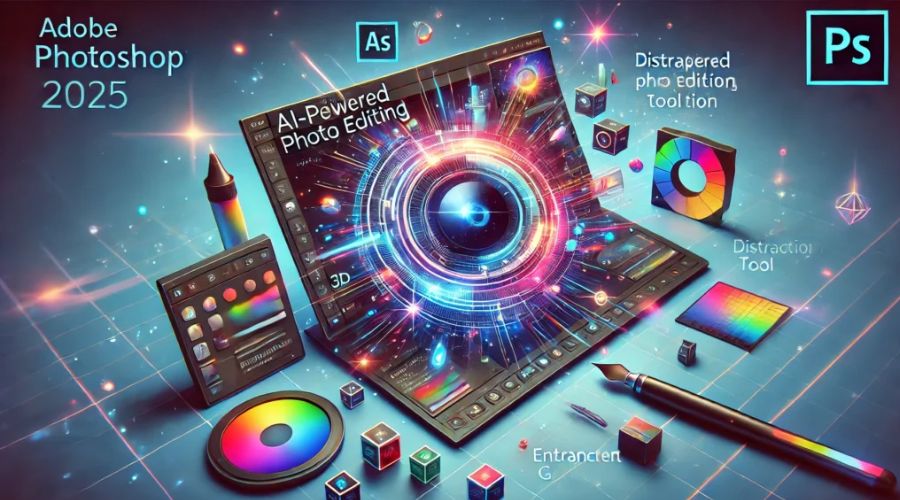
Photoshop offers an unmatched range of editing tools that have only improved over time. Its AI-powered features—like the intuitive Neural Filters and the enhanced Content-Aware Fill—allow users to make intelligent edits effortlessly. You can remove objects, change facial expressions, colorize vintage photos, and more with just a few clicks.
Mobile-friendly options like Photoshop Express and seamless integration with Behance make creative work easier on the go. Meanwhile, Adobe’s user interface has customizable workspaces and dockable panels, catering to different workflows and expertise levels. The extensive plugin ecosystem further enhances capabilities by allowing integration with third-party tools tailored to your needs.
And with Creative Cloud integration, users benefit from cloud-based storage, collaboration tools, Adobe Stock assets, and synced fonts—all accessible across devices.
Strengths and Weaknesses of Photoshop
Pros:
-
Smart AI-driven editing tools
-
A massive library of plugins and add-ons
-
Industry-standard file support (PSD, TIFF, PDF, etc.)
-
Seamless Creative Cloud ecosystem
Cons:
-
Subscription-based pricing can be costly over time
-
High system requirements, especially for advanced features
Real-World Use Cases
Photoshop’s power lies in its versatility across industries. Photographers rely on it for color correction and retouching. Graphic designers use it to create everything from logos to banners. Digital artists love the brush tools and layering system for original artwork and concept designs. It’s also widely used in advertising, publishing, fashion, and gaming.
Whether you’re doing a quick touch-up or working on a detailed illustration, Photoshop adapts to your project scope.
Who Should Use Adobe Photoshop?
Who Should Use Adobe Photoshop? | Atnook
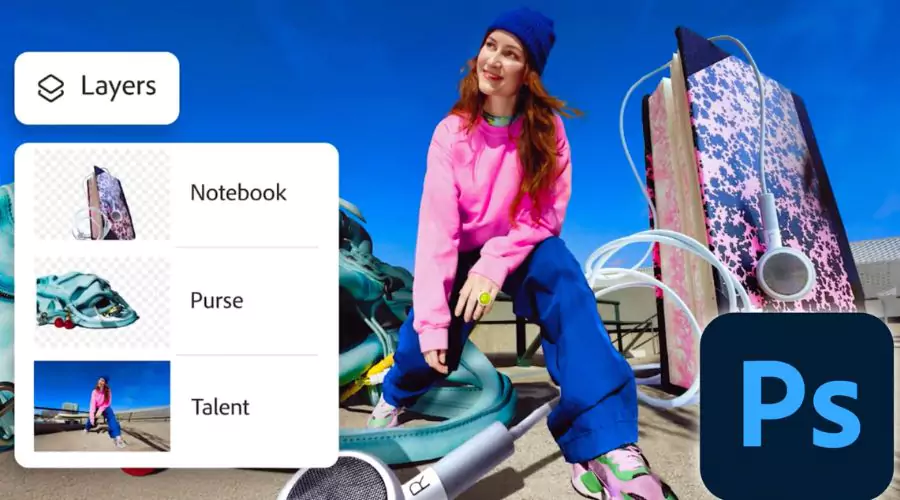
Photoshop is best suited for creative professionals and enthusiasts who need complete control over their images. Ideal users include photographers, designers, illustrators, marketers, and digital artists who are comfortable with a bit of a learning curve. While beginners may find it complex at first, those committed to mastering the platform will find it indispensable for high-quality, commercial-grade work.
Conclusion
Adobe Photoshop 2025 reaffirms its status as the industry standard in photo editing. Although there are newer and sometimes more affordable alternatives, few match its depth, precision, and professional polish. With frequent updates, powerful AI tools, and unmatched versatility, it continues to be the top choice for creatives looking to elevate their visual content.




Comments